WORK · GEAR & COZY TECH
The small tech annoyances worth fixing first
Notice the setup problems you keep working around before adding another gadget.
The products recommended here are ones I have personally used. Links marked “paid link” may earn me a commission when you buy, at no extra cost to you. As an Amazon Associate I earn from qualifying purchases.
Styled illustrations show the ideas in use. Follow each product link for its exact appearance and current details.
The charger is always in another room. The headphones connect to the wrong device. A cable slips behind the desk just when you need it.
Each annoyance takes only a moment to deal with. When it happens every day, it deserves a closer look.
Name the repeat offender
For a few workdays, notice what you have to retrieve, reconnect, untangle, or adjust. Describe the problem plainly. “I have to crawl under the desk for the charging cable” gives you something specific to fix.
Pick the annoyance that happens most often. Give that one your attention first.
Try a placement change
Put the headphones where you naturally reach before a call. Keep the adapter with the device that needs it. Give the charging cable a consistent resting place.
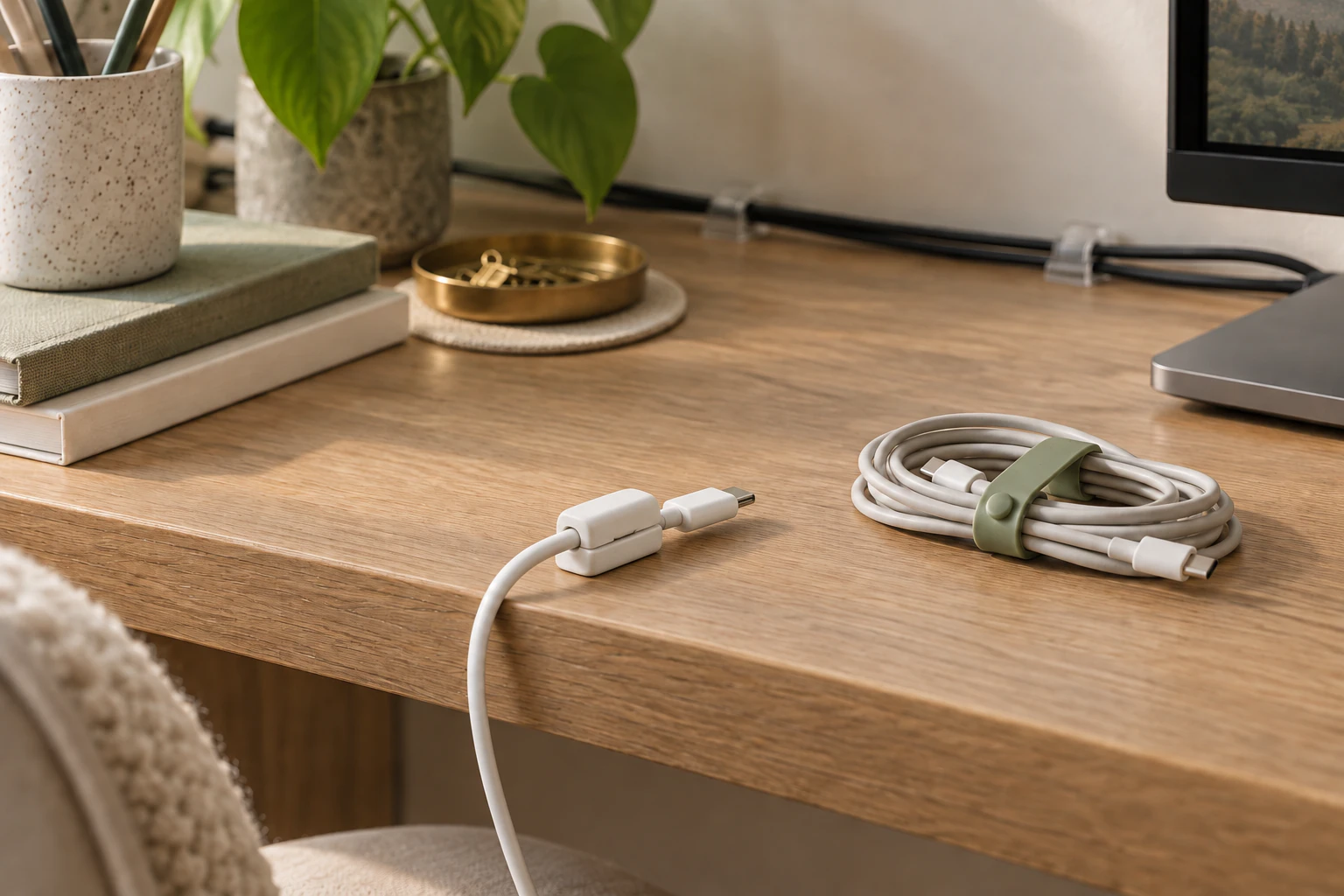
For cords you want to route together along the back or edge of the desk, clear dual cord clips (paid link) (opens in a new tab) are one option. For a charging cable you pick up and put down throughout the day, try an individual cable holder (paid link) (opens in a new tab) near your usual reaching spot. Check cable fit and whether the mounting method suits your surface before choosing either.
For cables you pack away, silicone cable ties (paid link) (opens in a new tab) can keep a coiled cable together in a drawer or bag. Choose the option that solves your particular annoyance; you do not need all three for the same job.
Test the arrangement through your whole routine, including moving rooms and putting things away. Leave enough slack for ordinary movement, and keep equipment’s ventilation openings clear.
Check the settings you already have
If you repeatedly adjust sound before meetings, check which microphone and speaker your meeting app selects. If alerts interrupt you, review which notifications you need during work. If the pointer feels awkward, try adjusting its speed.
Change one setting at a time so you can tell whether it helped. Note the original setting if you might want to return to it.
Buy a new tool only for a specific problem
Sometimes you do need something different. By then, you should be able to describe its job: “I need an easier way to connect these devices each morning” or “I need a keyboard that fits in this drawer.”
Compare compatibility, storage, extra cables, charging, and how easily you can put the setup away. Those everyday details matter once the excitement of something new wears off.
Try today: Finish this sentence: “Every workday, I have to ___.” Test one change that makes that step easier.