A few pumpkins, a few ghosts, and some quieter autumn views.
I kept the colors muted and gave the designs some breathing room around the artwork. There’s a sleepy black cat on a pumpkin, a pair of ghosts wandering through a garden, and a cottage with warm windows in the dusk. The fox, leaves, mountain view, and rainy window can stay on your screen well after Halloween.
Choose whichever one you’d like to see when you open your computer or pick up your iPad. The portrait versions have their own arrangements, with space above the main scene for the clock. Each preview below shows the actual artwork you’ll download.
PUMPKINS · GHOSTS · MOONLIGHT
A little Halloween on your screen.
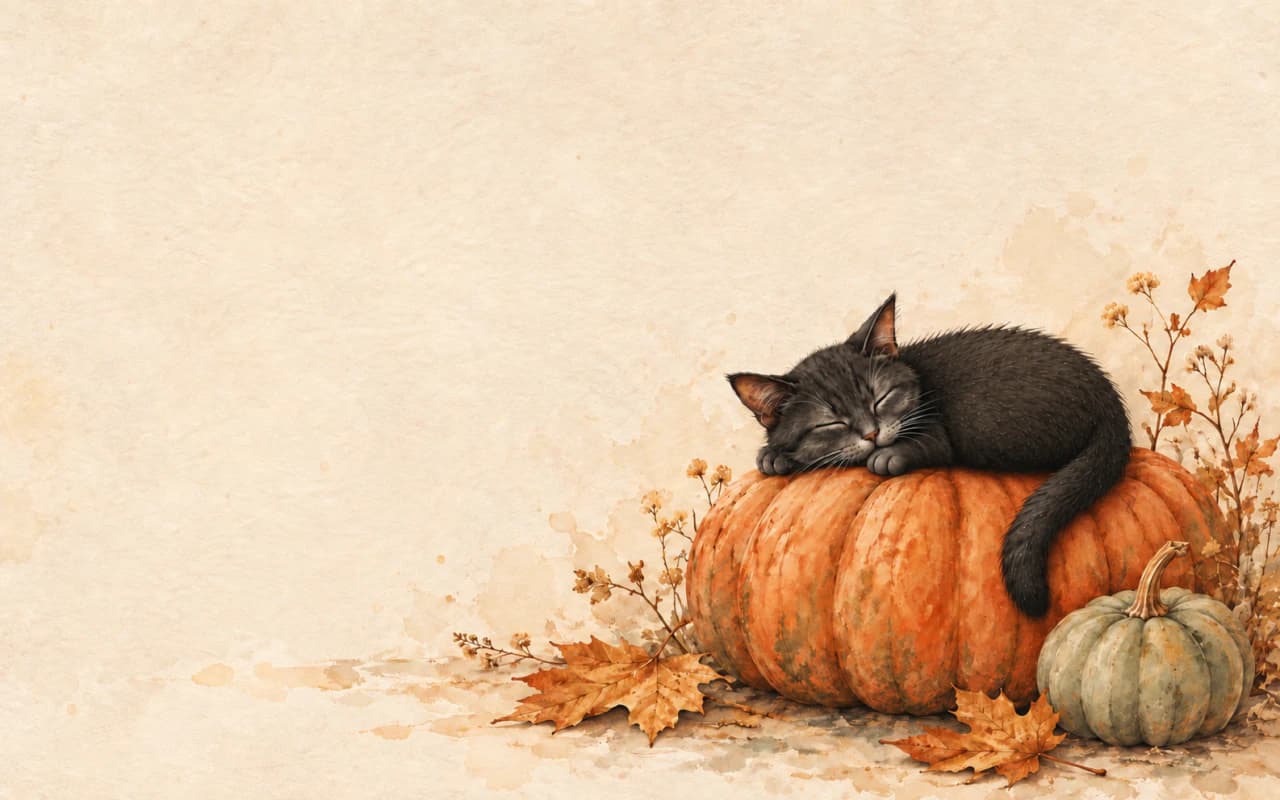
Halloween · TWO SCREEN LAYOUTS
Pumpkin Cat
A sleepy black cat curled on a pumpkin against warm cream.
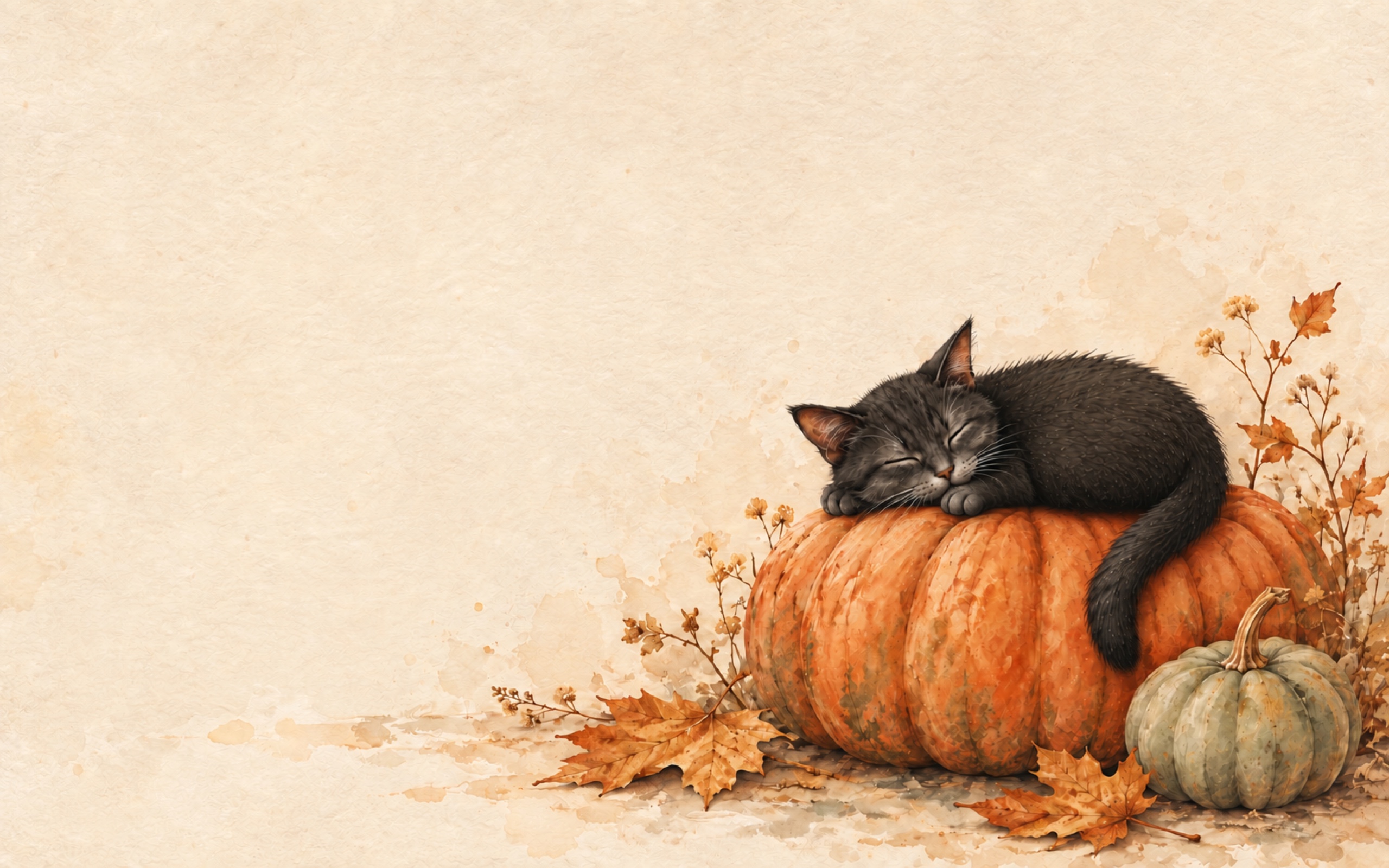
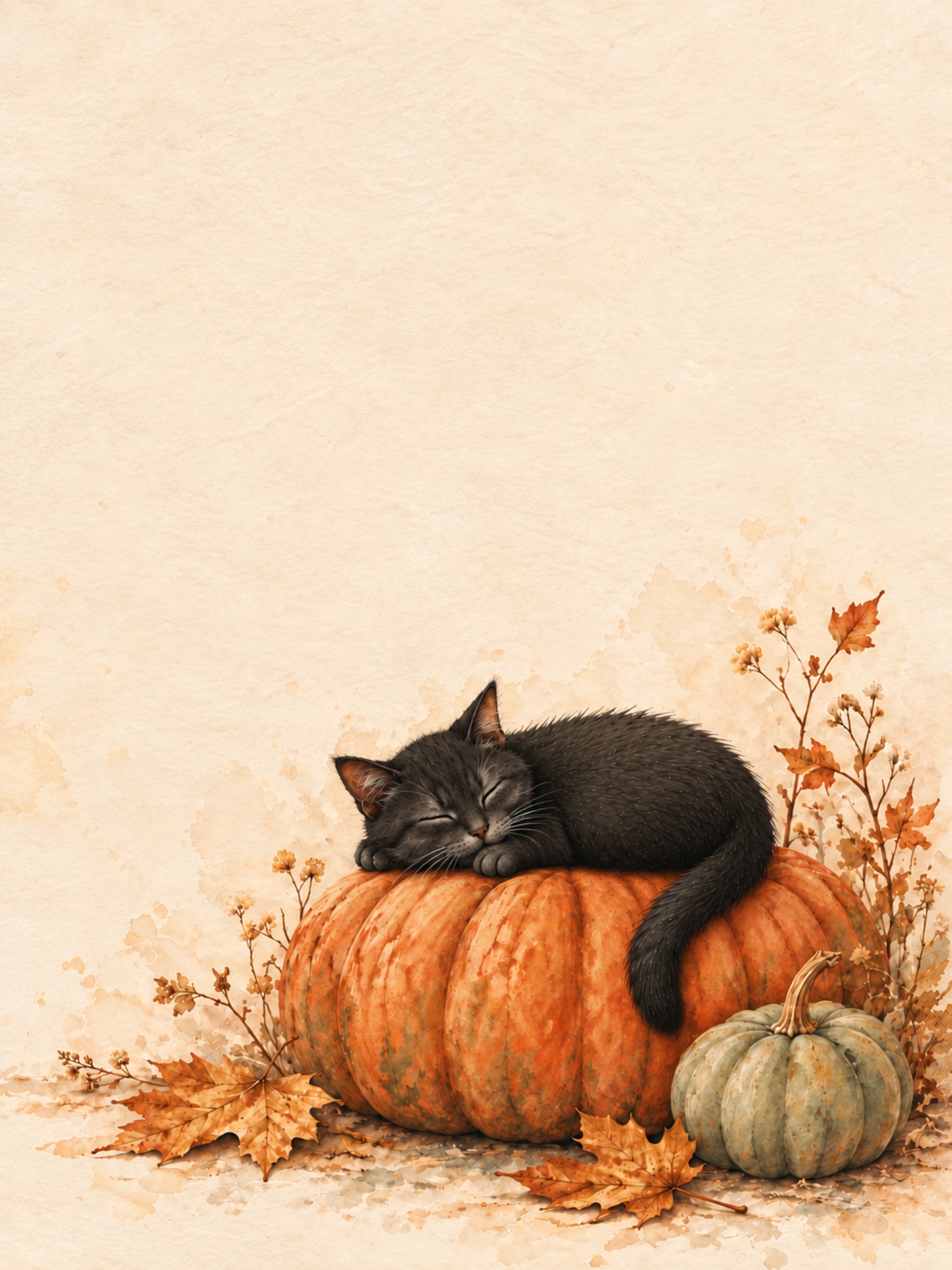
Preview the iPad layout
Halloween · TWO SCREEN LAYOUTS
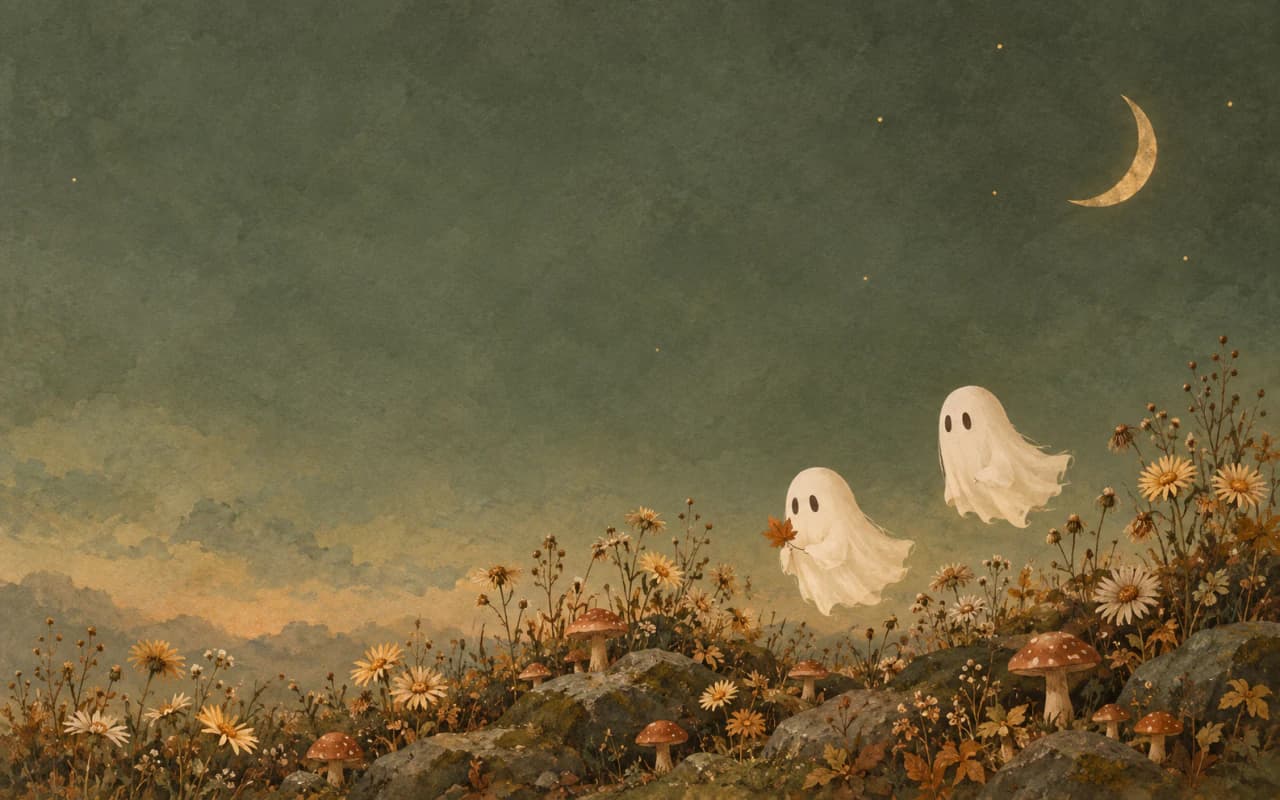
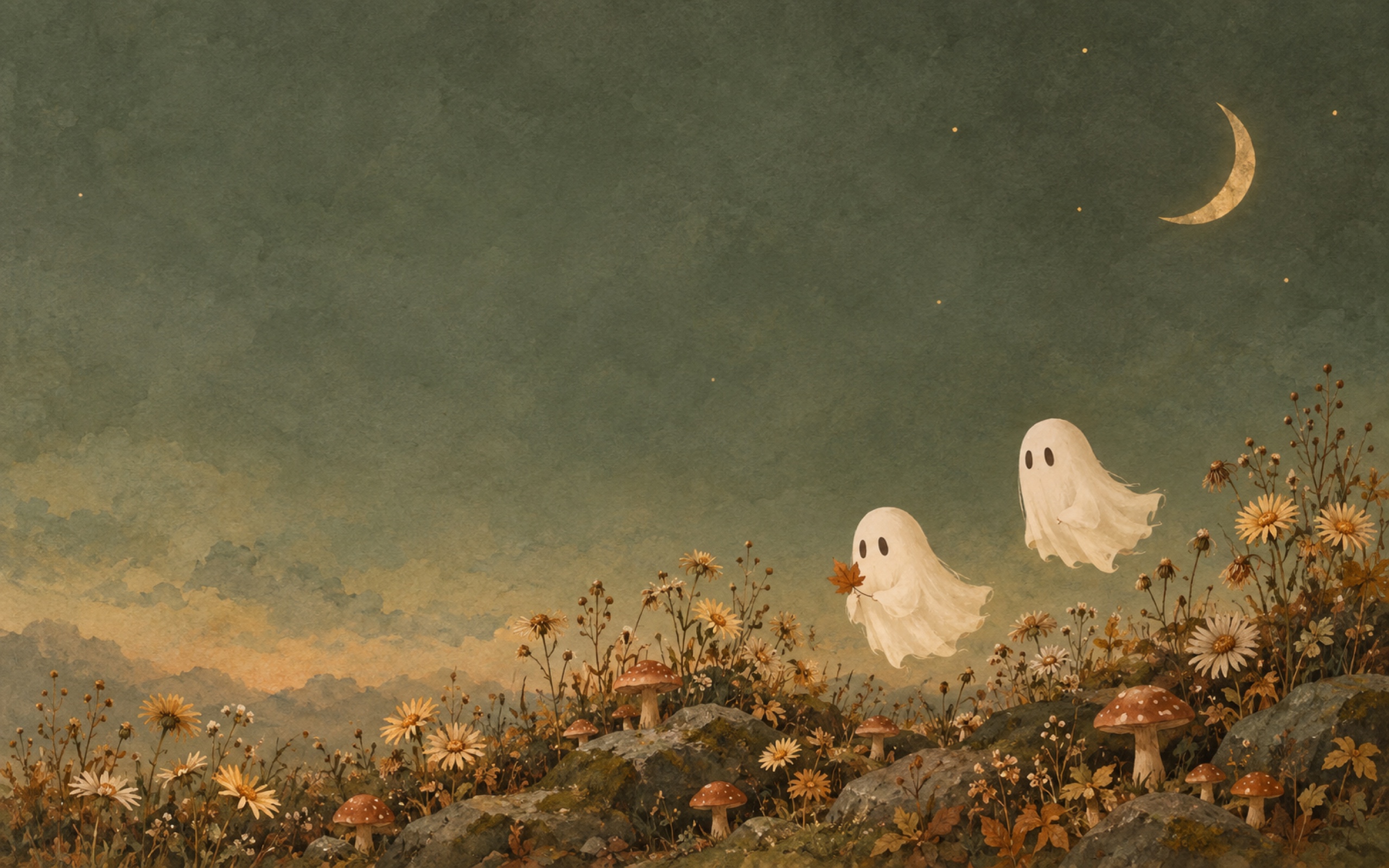
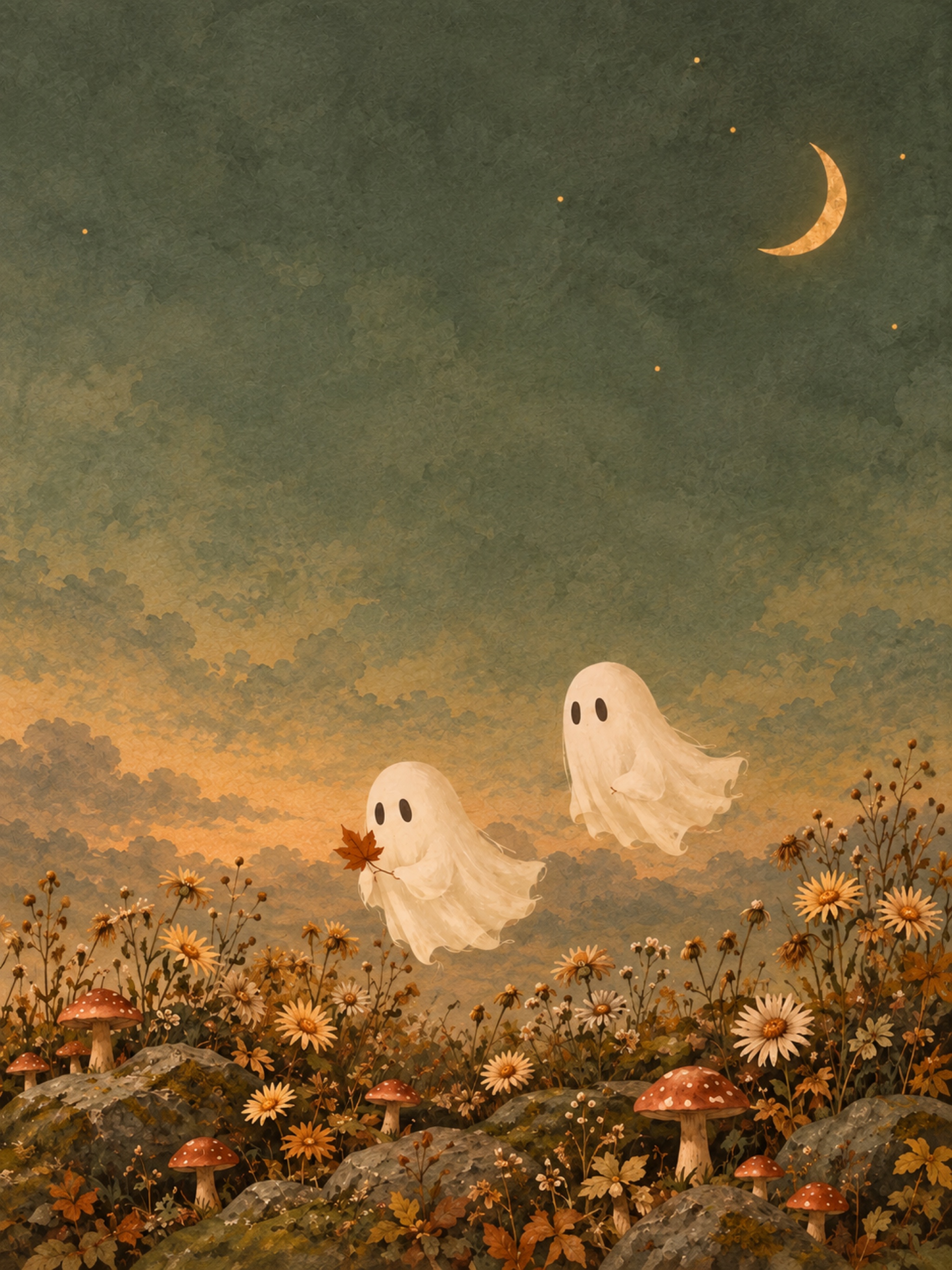
Ghost Garden
Two friendly ghosts exploring a moonlit garden of mushrooms and autumn flowers.
Preview the iPad layout
Halloween · TWO SCREEN LAYOUTS
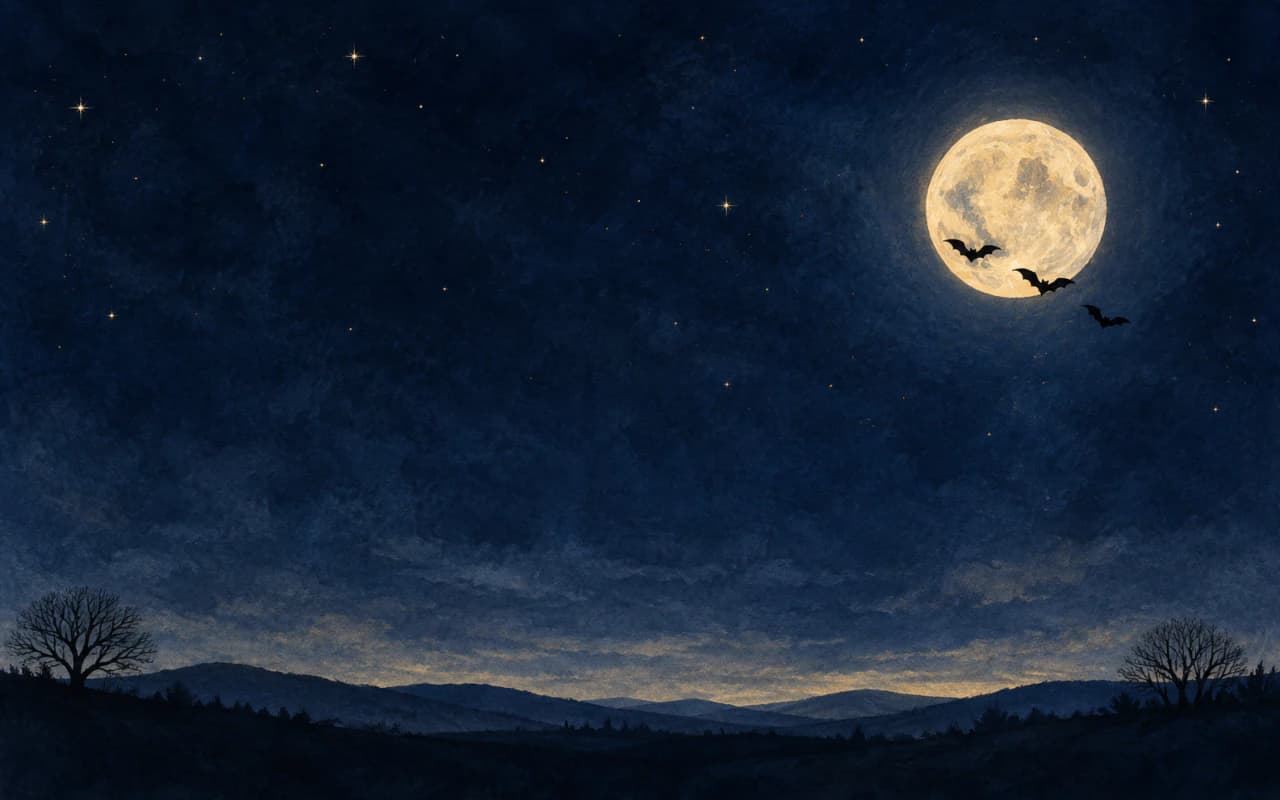
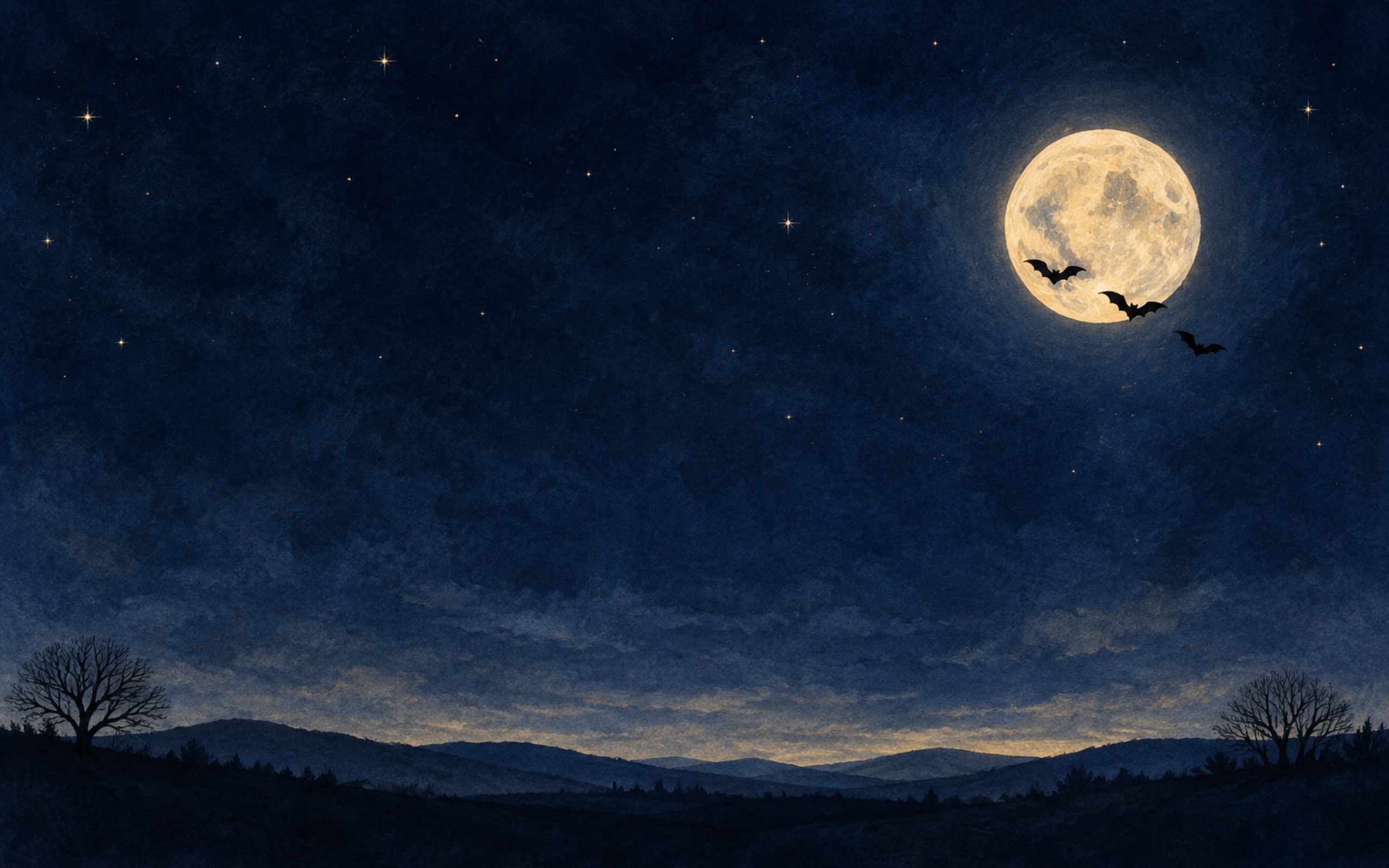
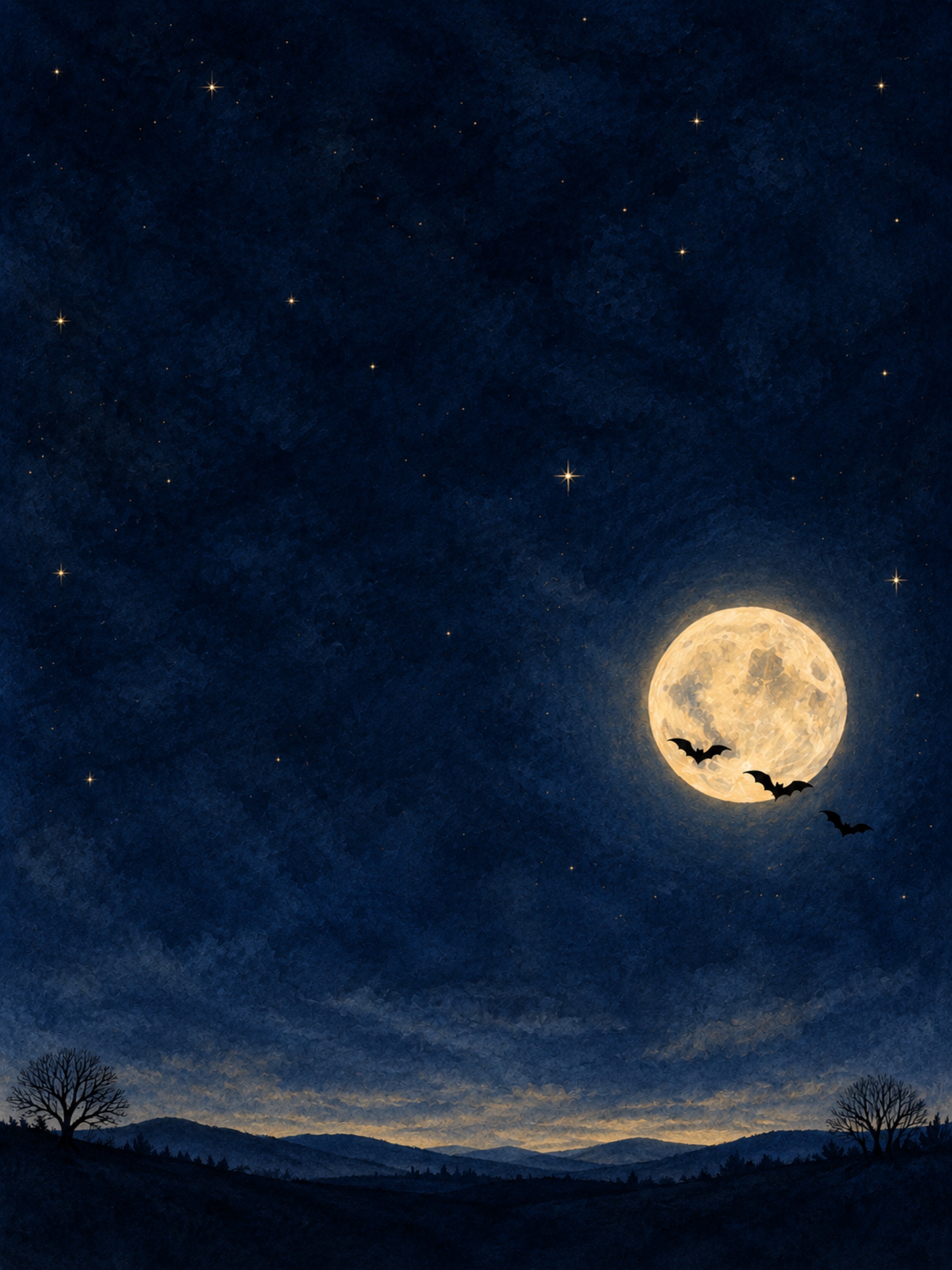
Moon & Bats
Small bats crossing a soft gold moon in a deep blue twilight sky.
Preview the iPad layout
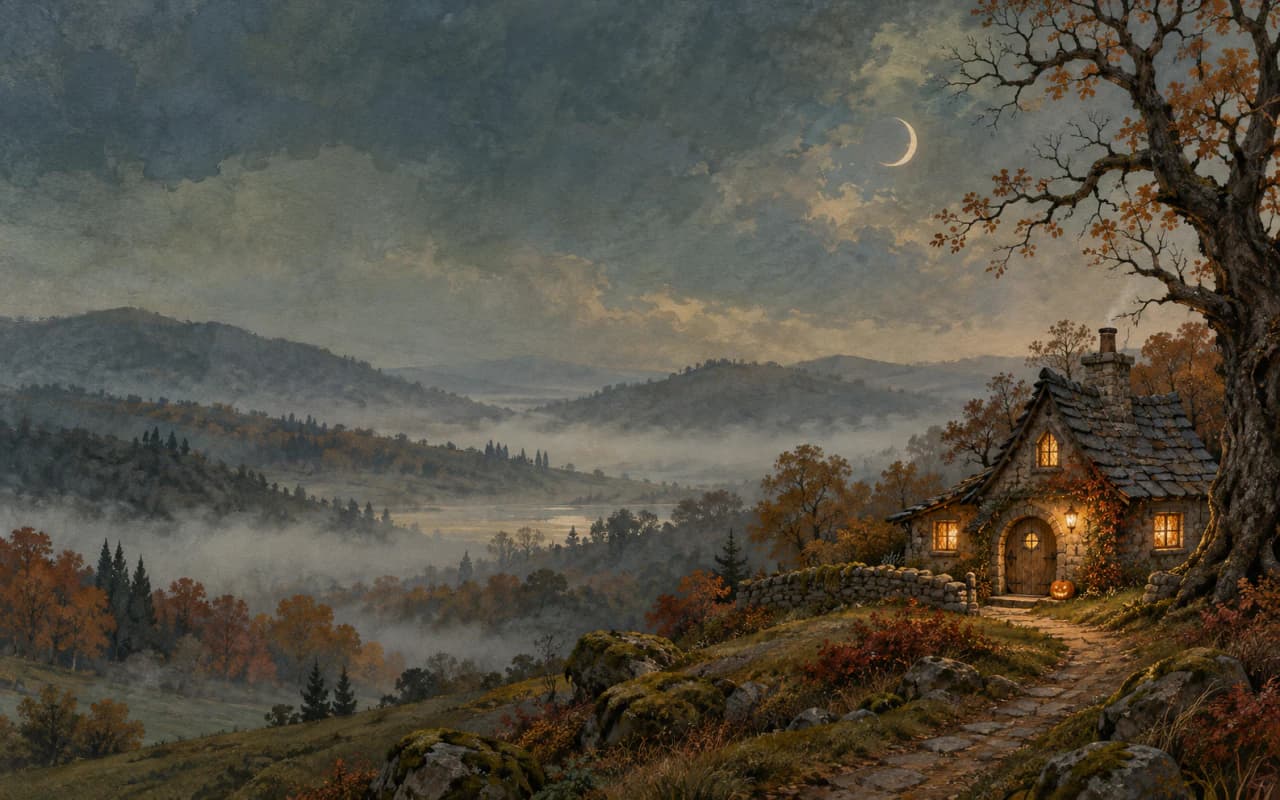
Halloween · TWO SCREEN LAYOUTS
Moonlit Cottage
A crooked-roof woodland cottage with warm windows and a tiny pumpkin by the door.
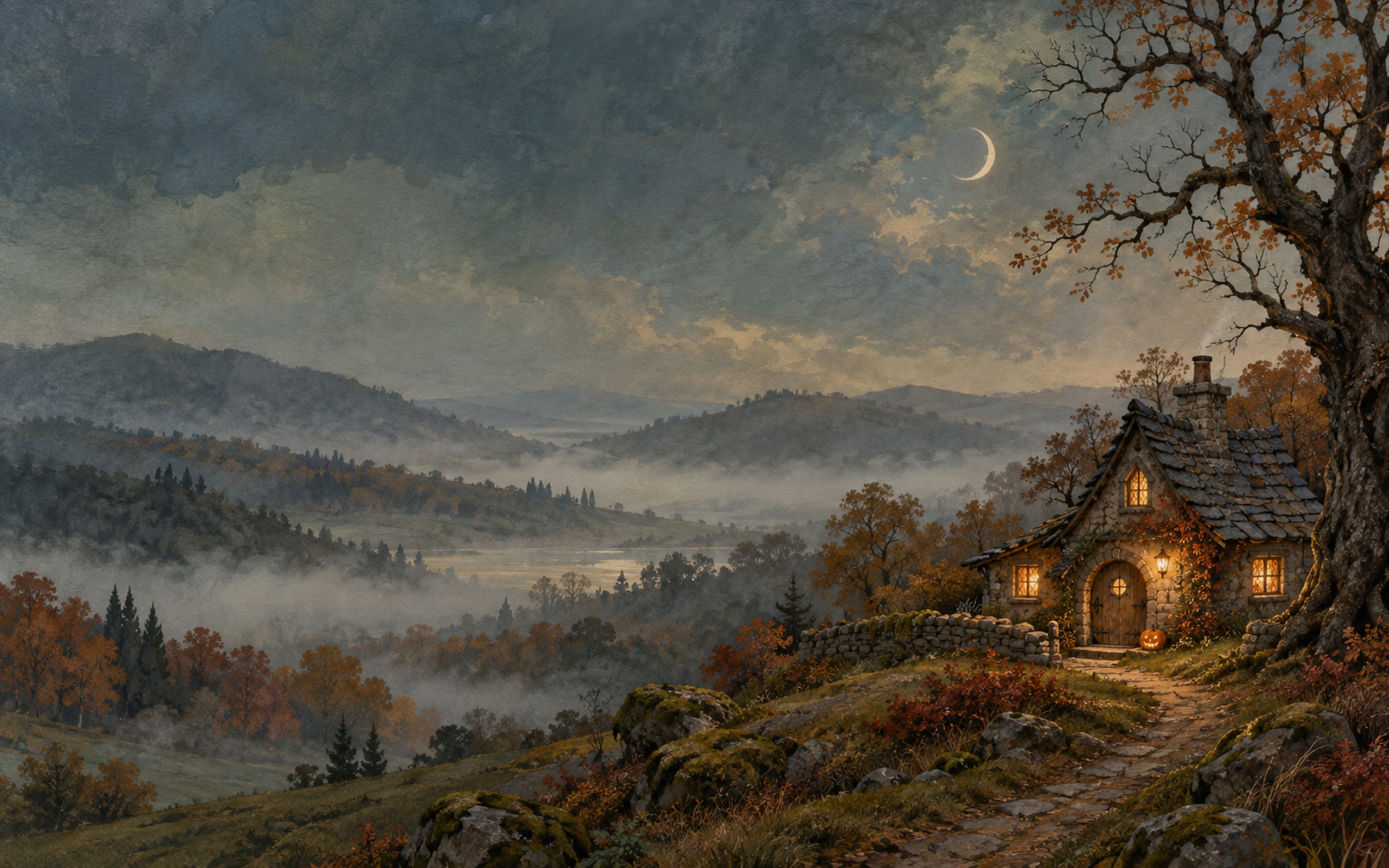
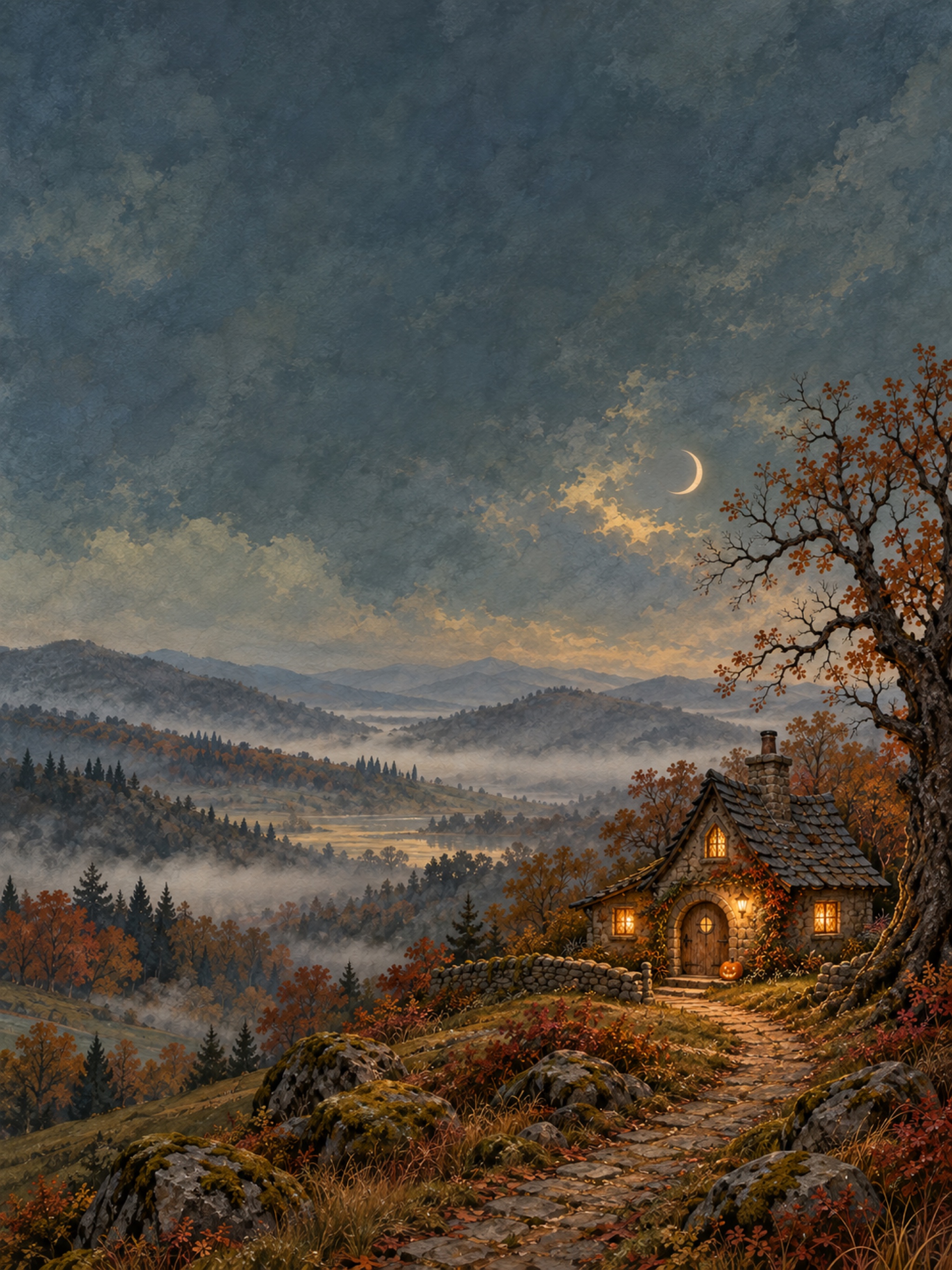
Preview the iPad layout
WOODLANDS · RAIN · FALL LEAVES
Autumn backgrounds to keep a little longer.
Autumn · TWO SCREEN LAYOUTS
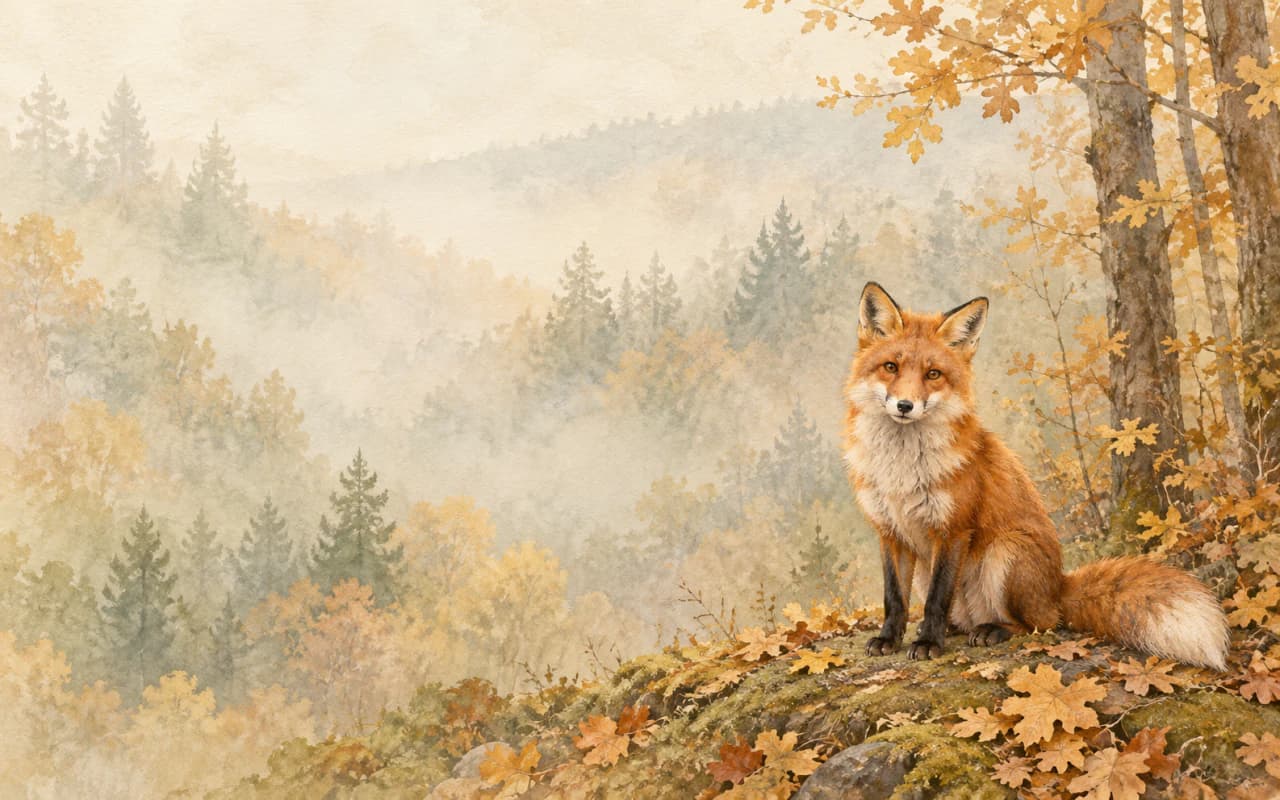
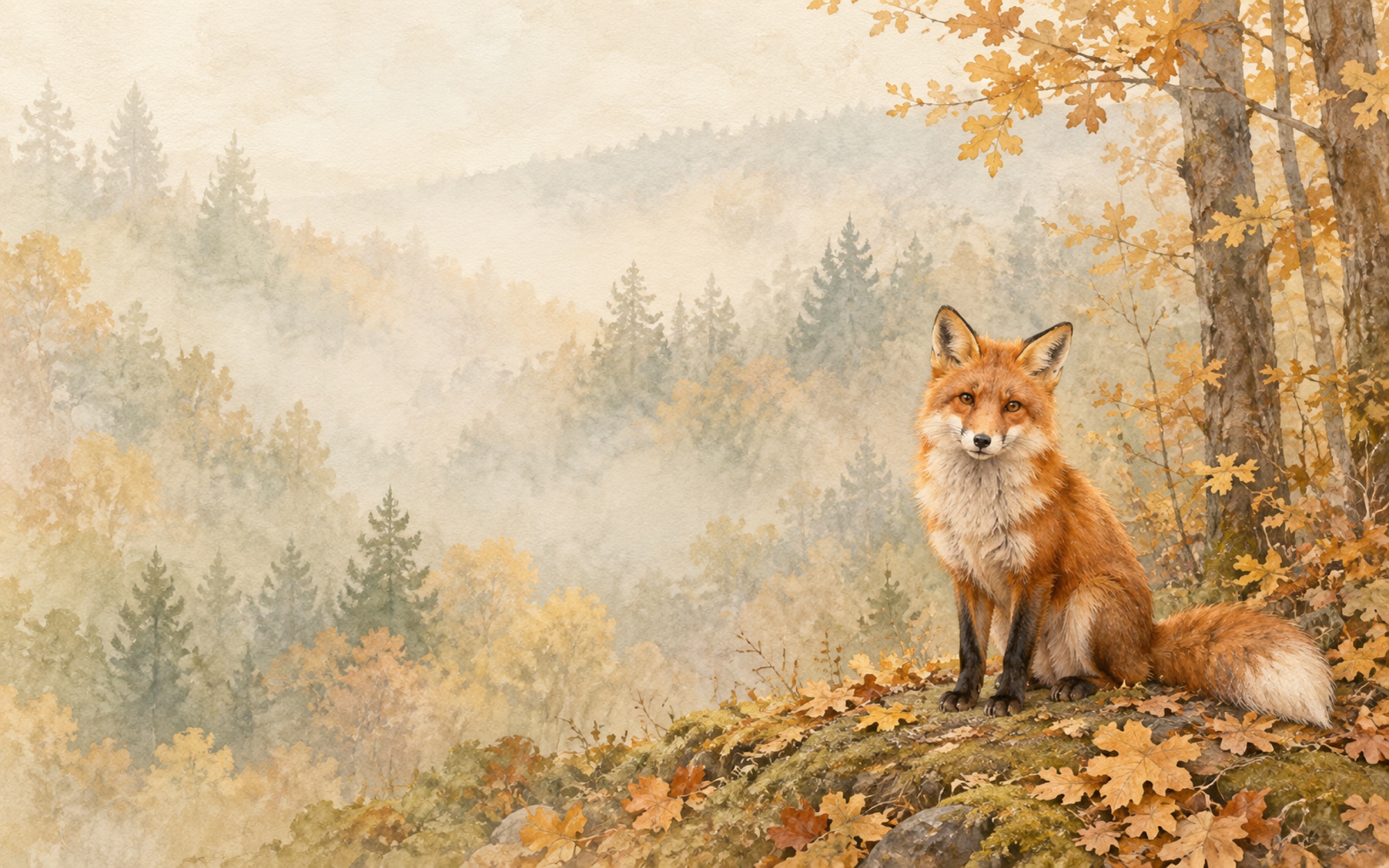
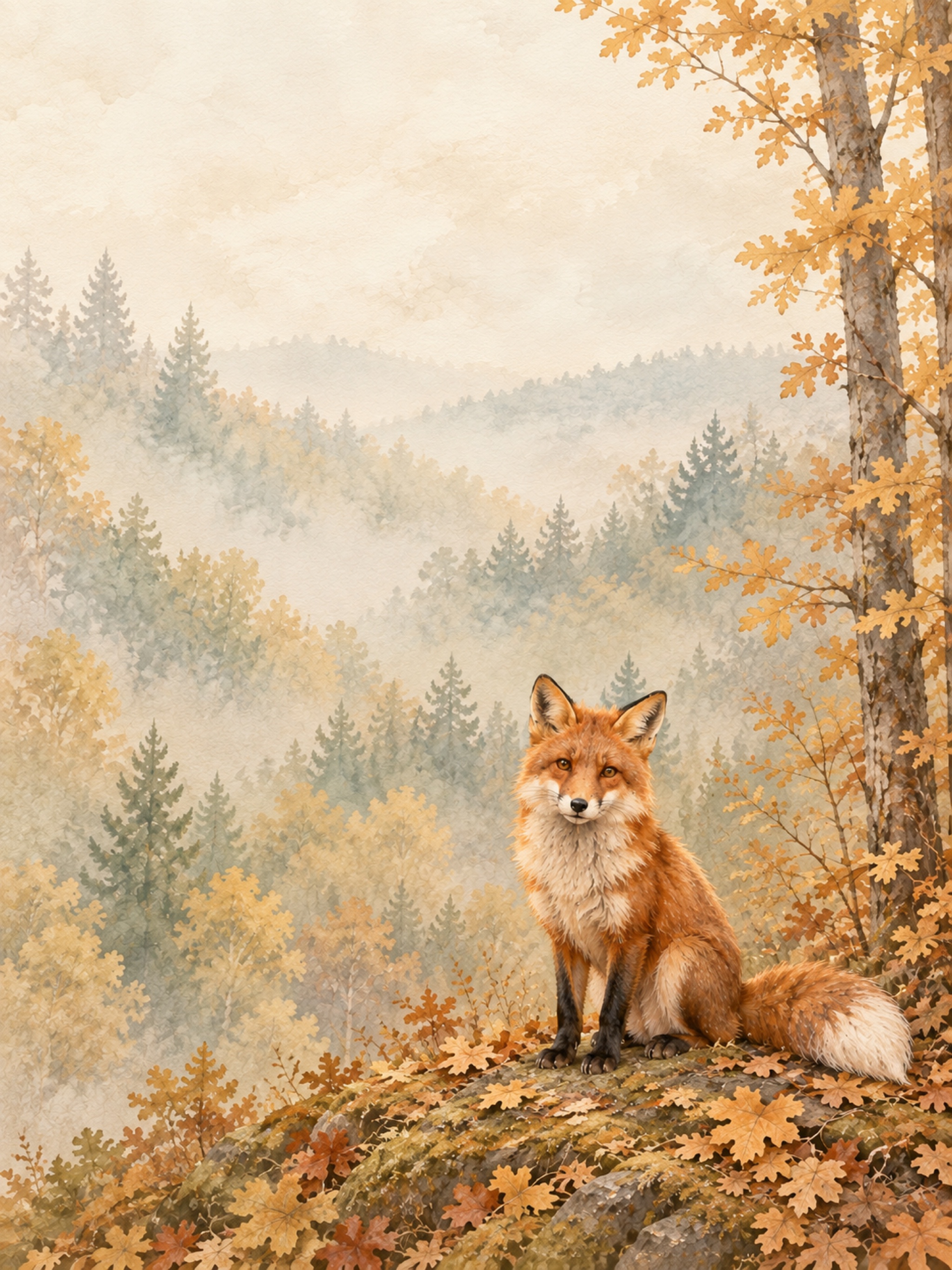
Autumn Fox
A red fox sitting beside golden leaves at the edge of a quiet woodland.
Preview the iPad layout
Autumn · TWO SCREEN LAYOUTS
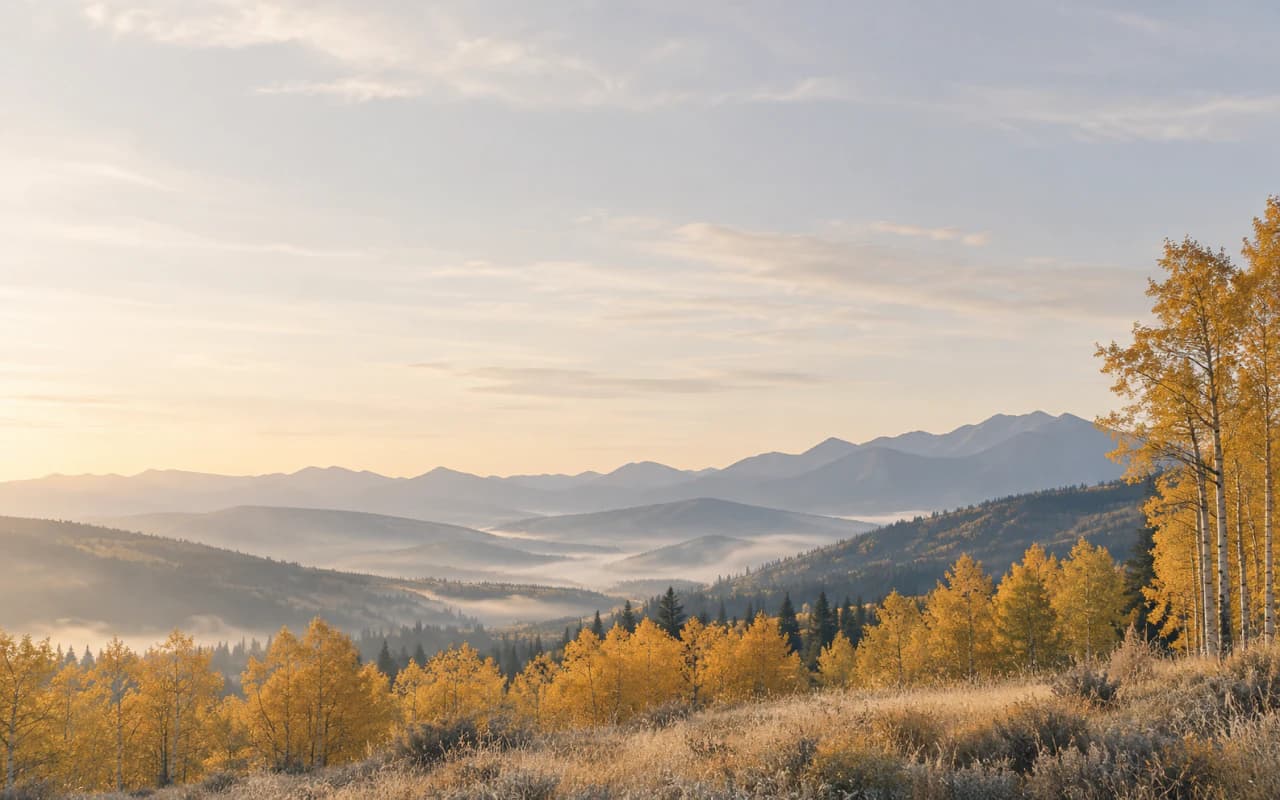
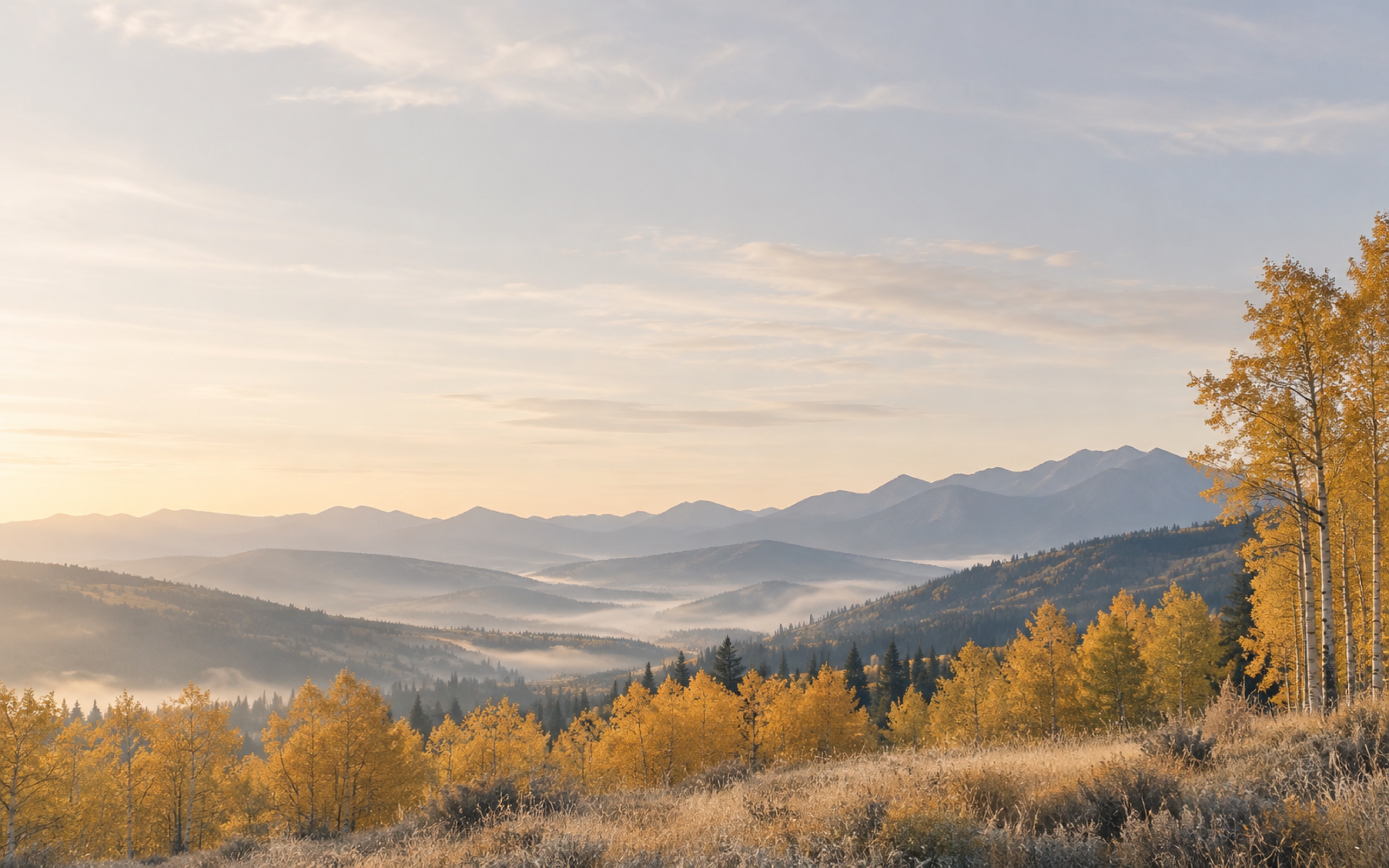
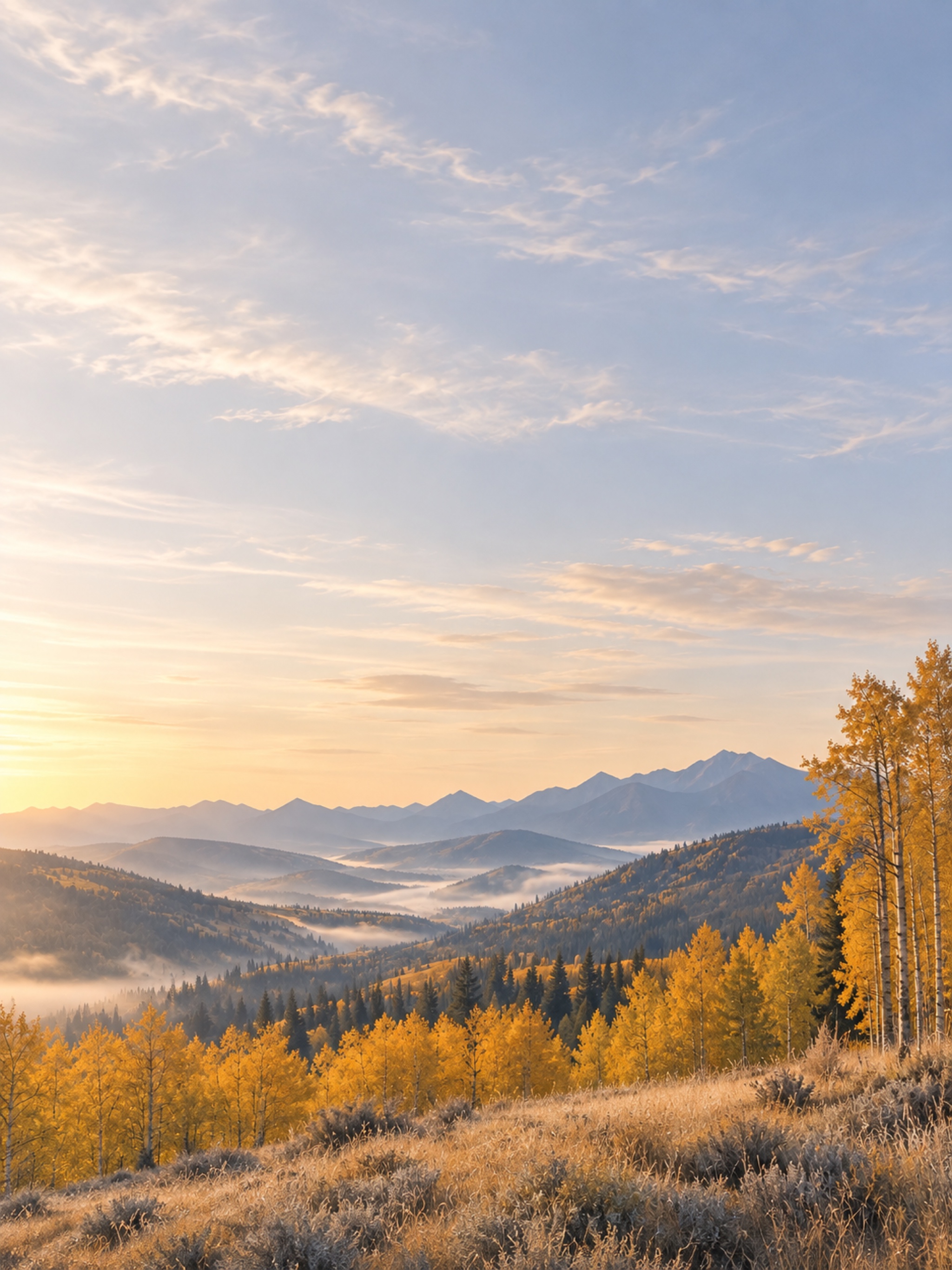
Golden Hills
Amber trees and layered blue hills beneath a wide, pale autumn sky.
Preview the iPad layout
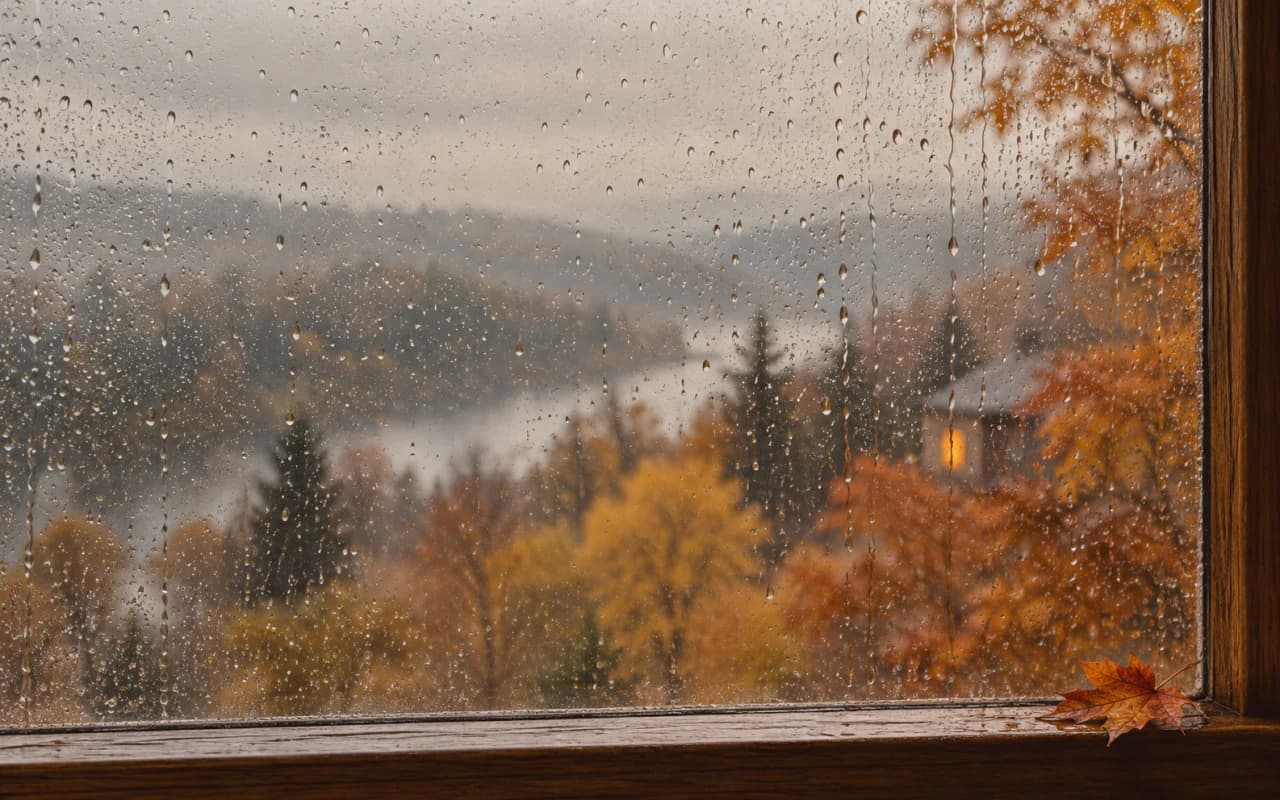
Autumn · TWO SCREEN LAYOUTS
Rainy Window
Raindrops on a window with soft copper leaves and a warm light beyond the glass.
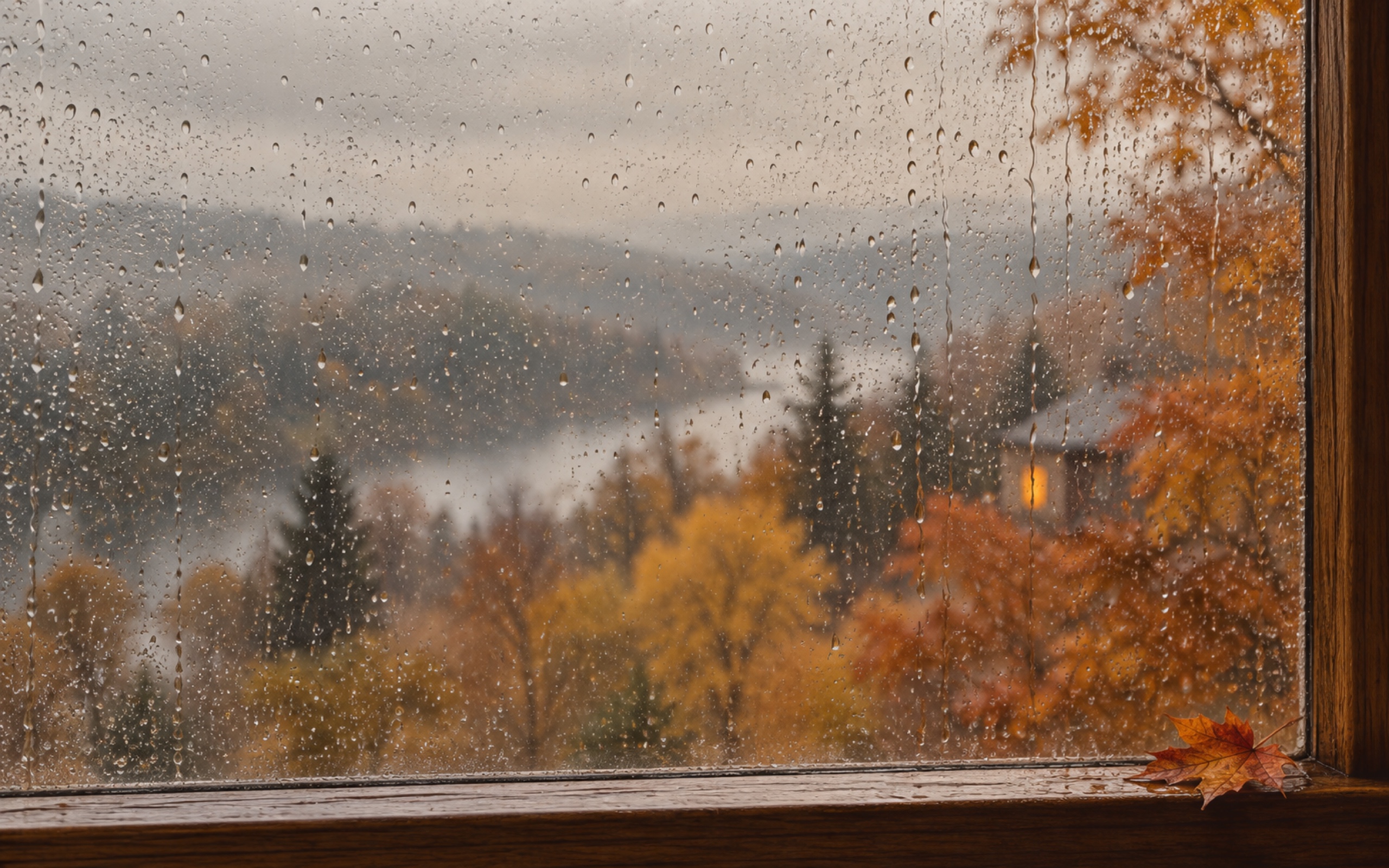
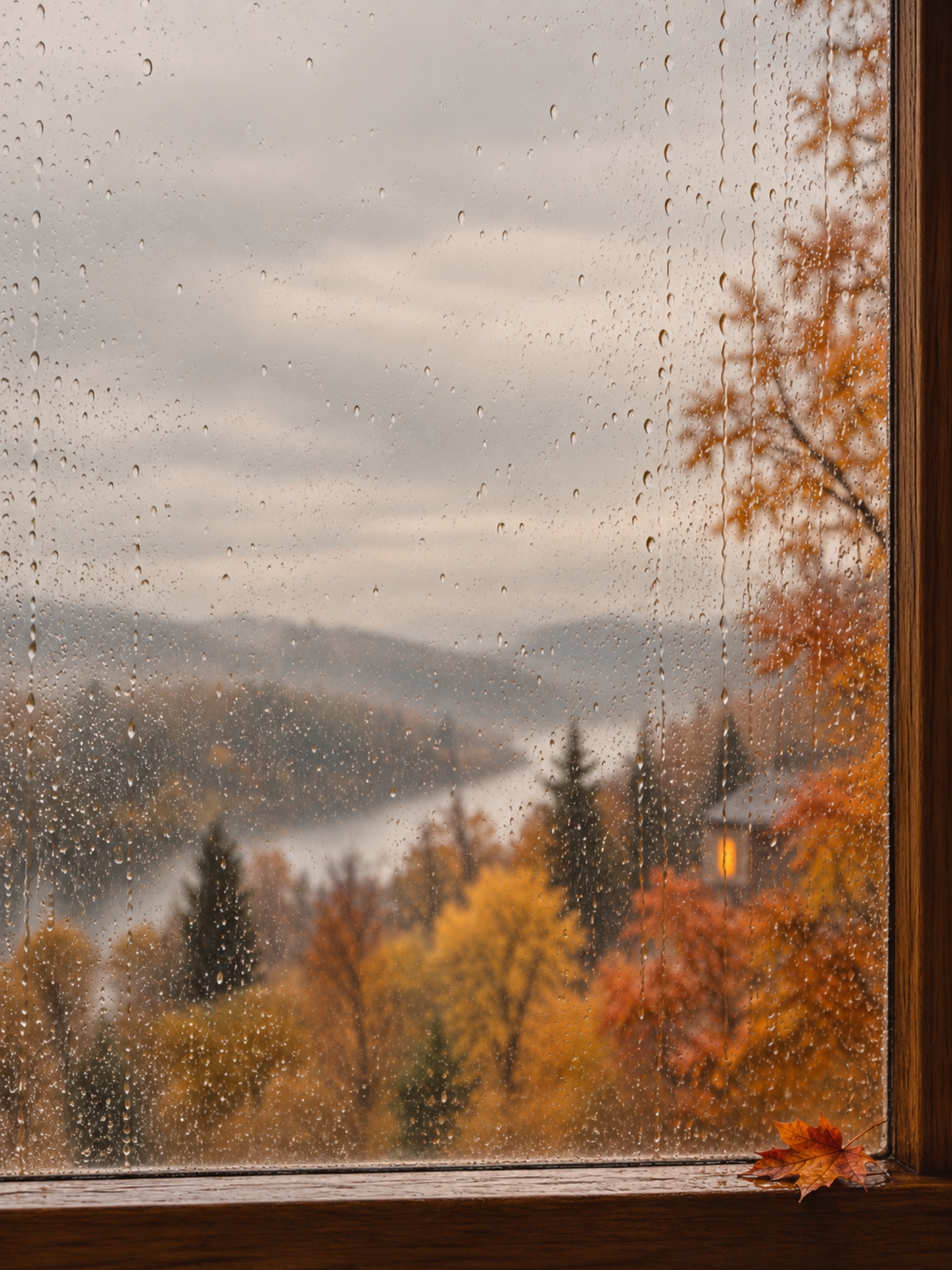
Preview the iPad layout
Autumn · TWO SCREEN LAYOUTS
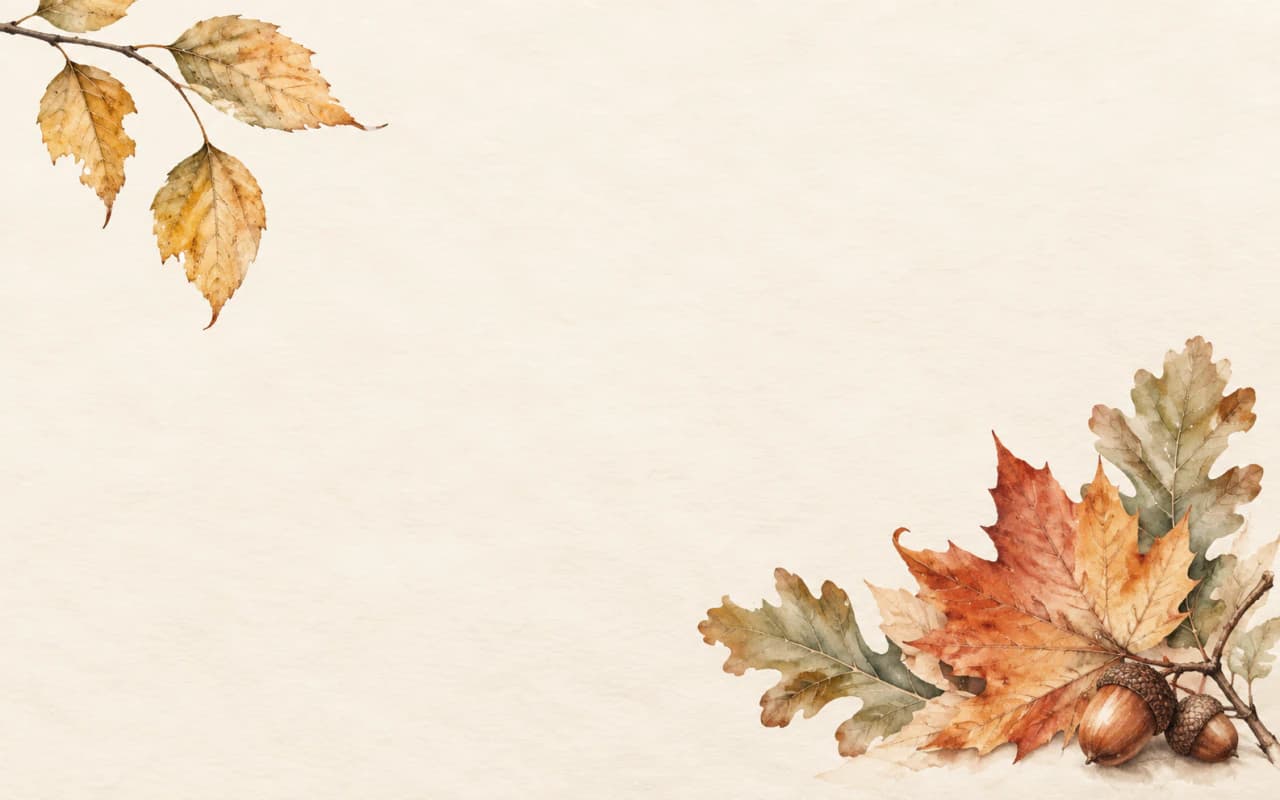
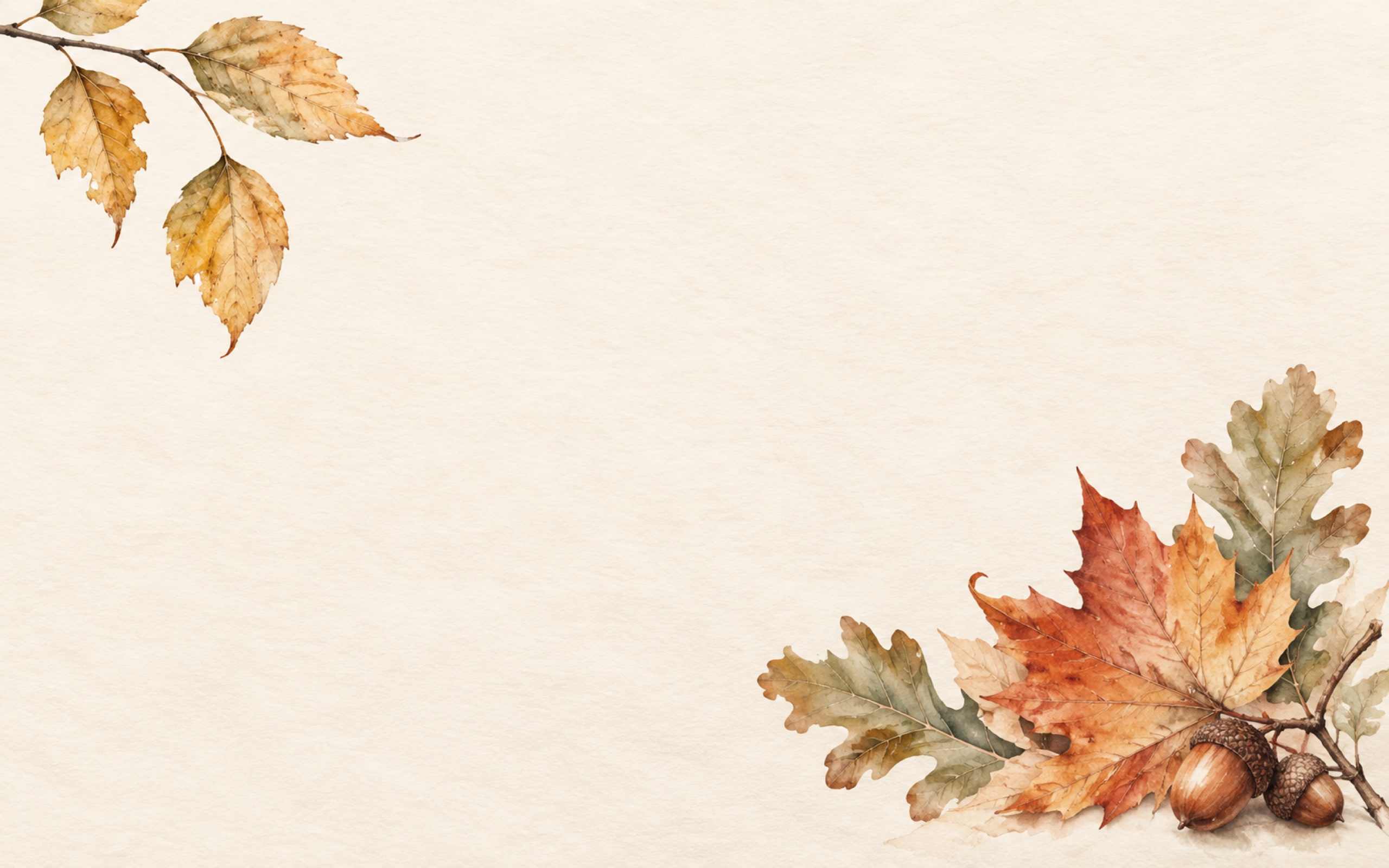
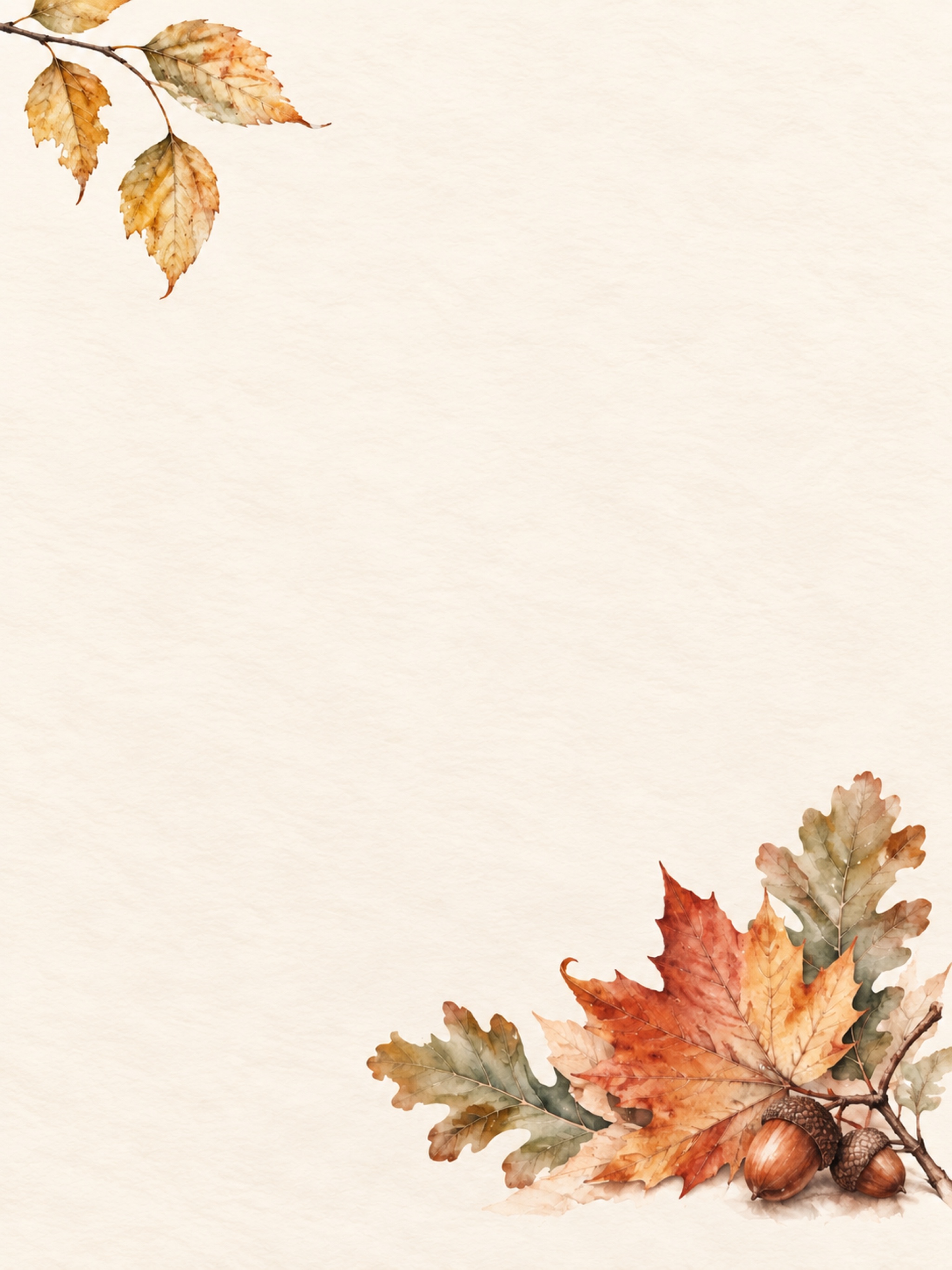
Autumn Leaves
Watercolor maple and oak leaves with acorns on lightly textured cream paper.
Preview the iPad layout
THE WHOLE COLLECTION
Keep all 8 designs handy.
Each ZIP contains all 8 wallpapers for that device, plus a short note about using them. Choose the individual JPG buttons above if you only want one.
MacBook: 2560 × 1600 pixels · iPad portrait: 2048 × 2732 pixels
Put your favorite on your screen.
On a MacBook: download the JPG, then open System Settings → Wallpaper. Use Add Photo to choose the saved image. If you downloaded the collection, open the ZIP first so you can choose one of the JPGs inside.
On an iPad: download a portrait JPG and save it to Photos. Open Settings → Wallpaper → Add New Wallpaper, then choose Photos and select your image. Preview its position before applying it to your Lock Screen, Home Screen, or both.
Screen shapes vary by model, and the picture may crop differently when you rotate an iPad. Adjust the framing in the wallpaper preview until the part you want to see sits comfortably on your screen.
Apple’s instructions: Mac wallpaper settings · iPad wallpaper settings.
For another bit of seasonal fun, browse the free fall coloring pages. Browse more free downloads in Freebies or the Work library.
These designs use AI-assisted artwork. The landscapes and window scenes are imagined.